Learning Areas
Here’s what to do:
1. Watch the video
2. Read the text
3. Select ‘Mark Complete’
Creating a New Learning Area
Updating a Learning Area
Editing
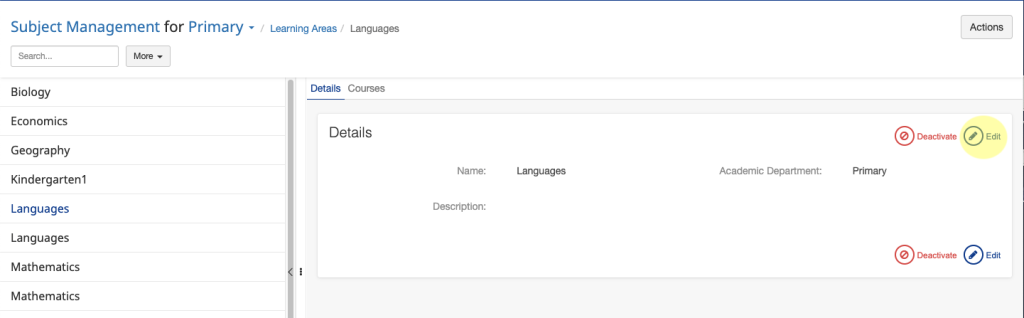
To edit a Learning Area:
- Enter the Learning Area section
- Find the Learning Area you want to edit
- Click on the Edit button
- Make the required changes
- Click Save
Deactivating
You can Deactivate a Learning Area by repeating steps 1-3 for editing, but instead of clicking the Edit button, click Deactivate.