Subjects
Here’s what to do:
1. Watch the video
2. Read the text
3. Select ‘Mark Complete’
Creating a New Subject
After creating a course, a Subjects tab will appear next to the Outcomes tab. Select the “Subjects” tab to start creating or adding a subject.
hi  …The outcomes for subjects are created as the outcomes for the Courses. See the “Outcomes“ module in this section.
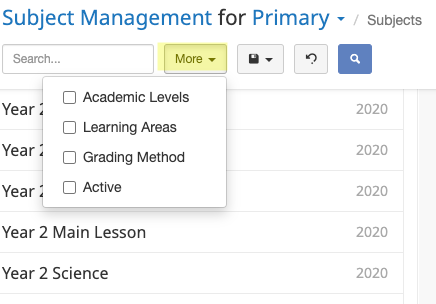
Saving Search Parameters
Regularly searched parameters can be saved in the same way as shown in the Courses lesson.
Updating a Subject
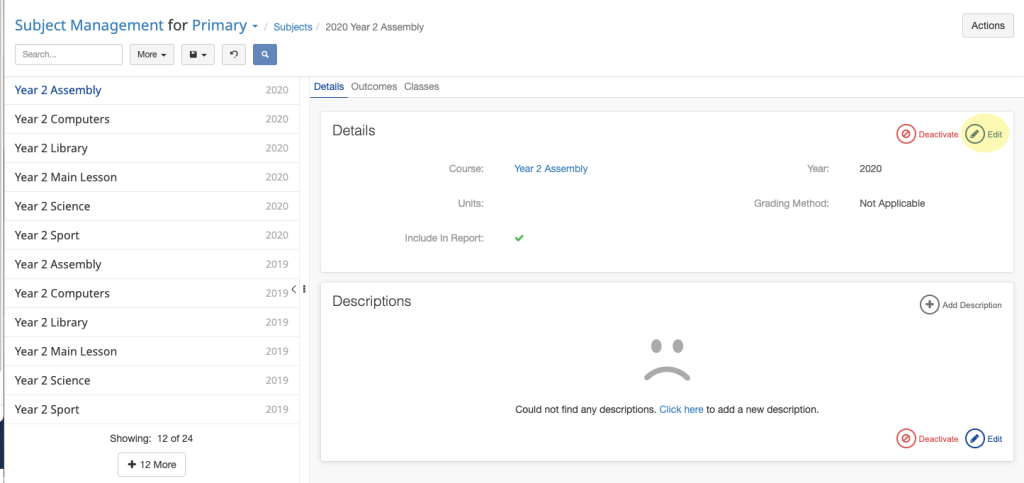
To edit an existing subject:
1. Navigate to the Subjects area
2. Select the subject you would like to edit
3. Select the Edit Button
4. Make the required changes
5. Click Save
You can Deactivate a subject by selecting the Deactivate button next to the Edit button.