Adding the Audience to a Form
Here’s what to do:
1. Watch the video
2. Read the text
3. Select ‘Mark Complete’
The Audience is anyone who will respond to your form. Watch the below video to learn how to add Audience Members to your form.
ℹ️ If you have linked a Calendar Event to your form, you will need to add the Calendar Event participants (or their proxies) to the Form so they can respond.
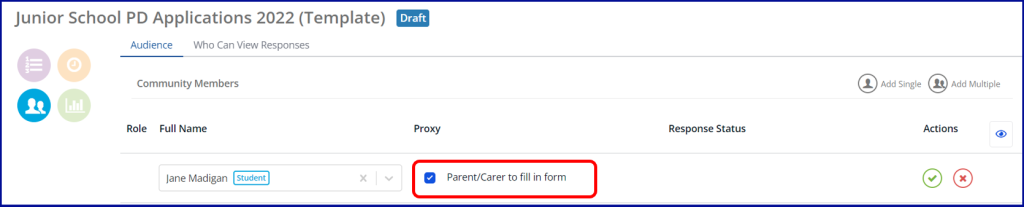
Selecting a Proxy Audience
Where the Audience Member is a student, selecting Parent/Carer to fill in form will allow any parent or carer of the student to complete the form as a proxy for the student.
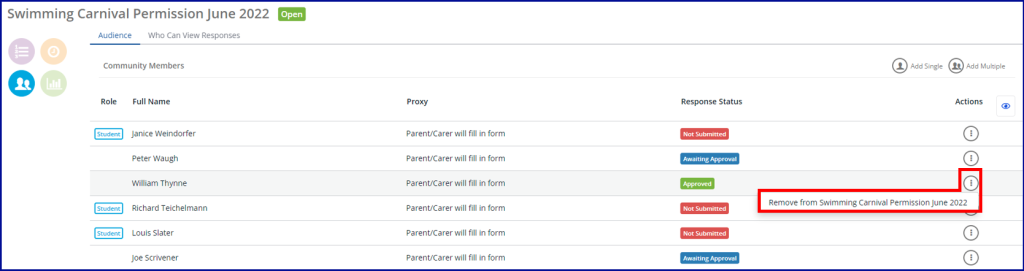
Removing Audience Members
To remove an audience member (and any associated responses for them), select the Actions icon on the corresponding row with their name and follow the prompts.